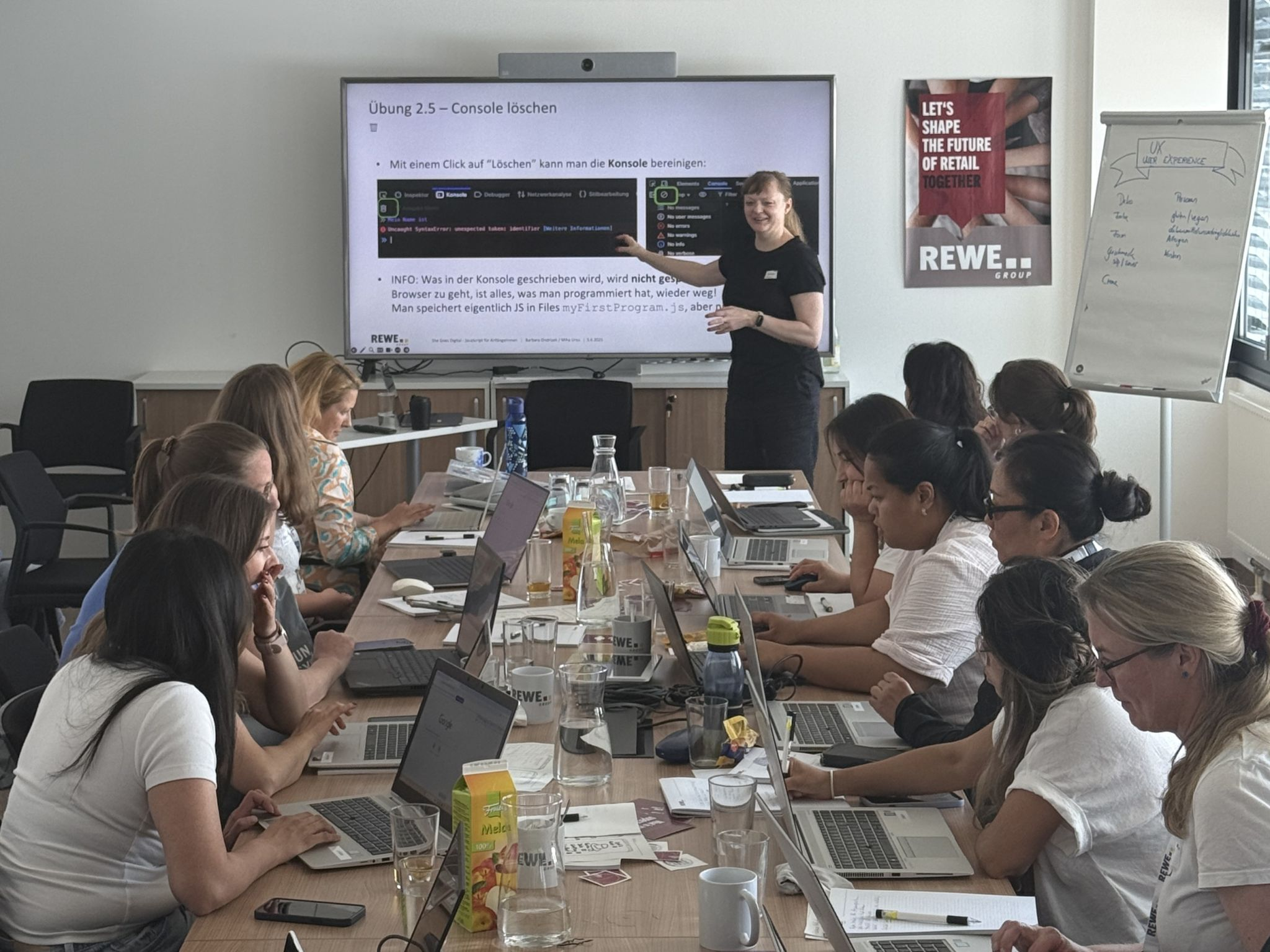
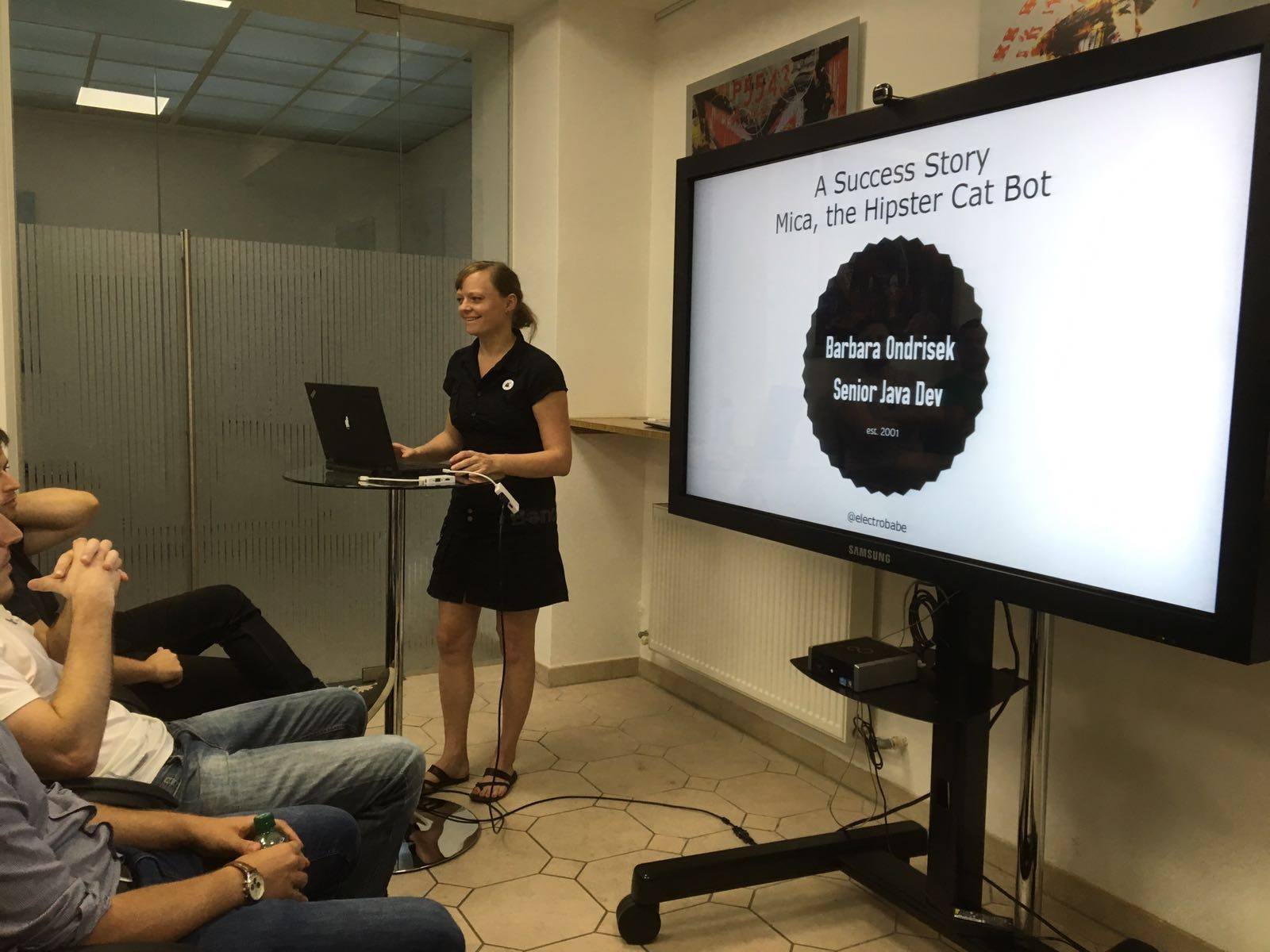
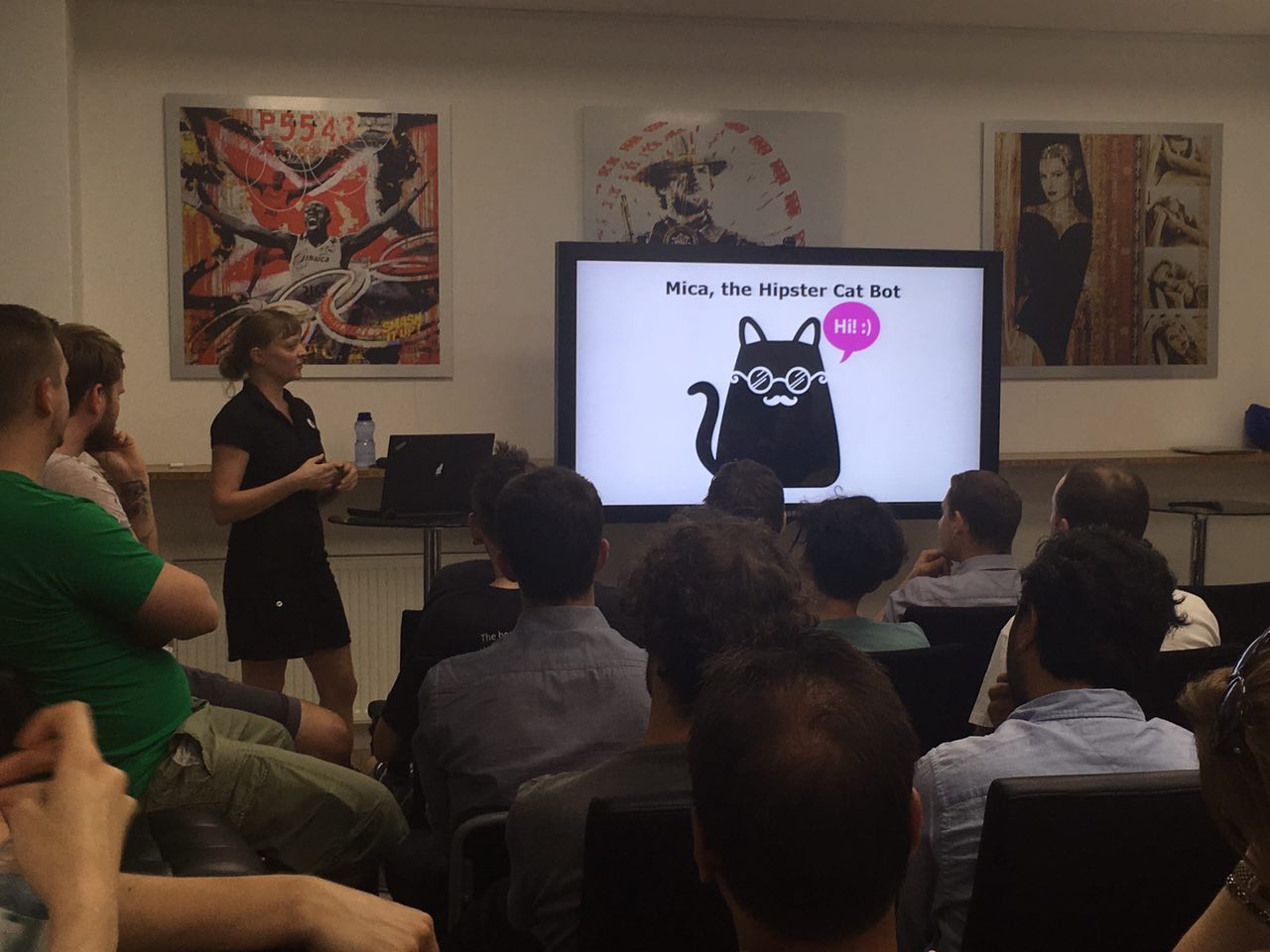
After quite a long Covid related break I’m back into public speaking again. This year I’m focusing on feminist events due to my work at Women And Code.
The following conferences / workshops / meetups are planed:
This year I’d like to speak at less event and focus only on a few special one. This is because I founded Women And Code which limits my free time to speak at conferences! womenandcode.org is an event series where we introduce women* to programming. Check it out here!
This year the following conferences / meetups are planed:
This might come a bit as a shock but I’m an atheist :-O (always was, raised that way) and I simply don’t celebrate X-Mas. If you do, please keep in mind to invest in some MEANINGFUL gifts for your family and friends!
Ultimate meaningful gifts collection:
(everything also last minute available, you can buy everything online!
How to configure my (tomcat) webapp running on AWS elastic beanstalk with an SSL certificate available at my custom subdomain https://mysubdomain.chatbotsagency.com/healthcheck
Why AWS?
– you can host your (tomcat) webapp on AWS beanstalk for free*
– you get a free SSL cert from AWS
– Problem: no HTTPS on elastic beanstalk URLs by default
Why not Heroku?
– Heroku has HTTPS out of the box, but…
– Heroku is super nice when building directly from github, but if you need some custom modifications or have a custom build process, beanstalk is more flexible
Needed steps for configuration:
Steps
1. create new SSL cert for HTTPS (via AWS, it’s free!)
– for e.g. “mysubdomain.chatbotsagency.com”
+ validation via email
-> create new free SSL certificate for your custom subdomain
2. setup app (e.g. tomcat webapp) at beanstalk
– during setup: set custom domain “Environment settings” – Name & Domain
-> setup new beanstalk environment at http://mysubdomain.us-west-2.elasticbeanstalk.com
– opt. check webapp with URL http://mysubdomain.us-west-2.elasticbeanstalk.com/healthcheck (tomcat apps runs on /healthcheck)
3. setup subdomain forwarding at your own domain provider
– CNAME mysubdomain.chatbotsagency.com -> mysubdomain.us-west-2.elasticbeanstalk.com
-> app runs at: http://mysubdomain.chatbotsagency.com
– opt. check webapp with URL http://mysubdomain.chatbotsagency.com/healthcheck
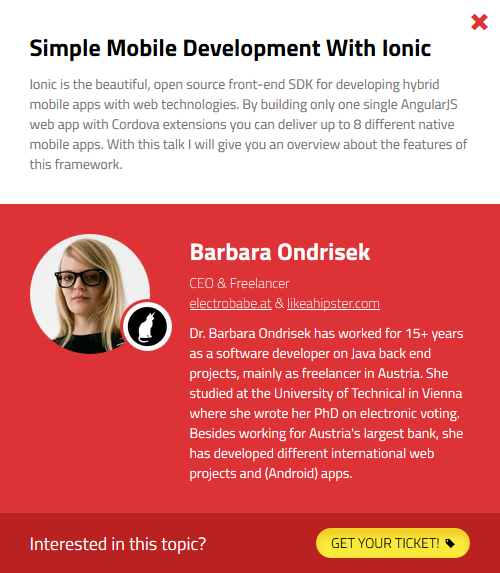
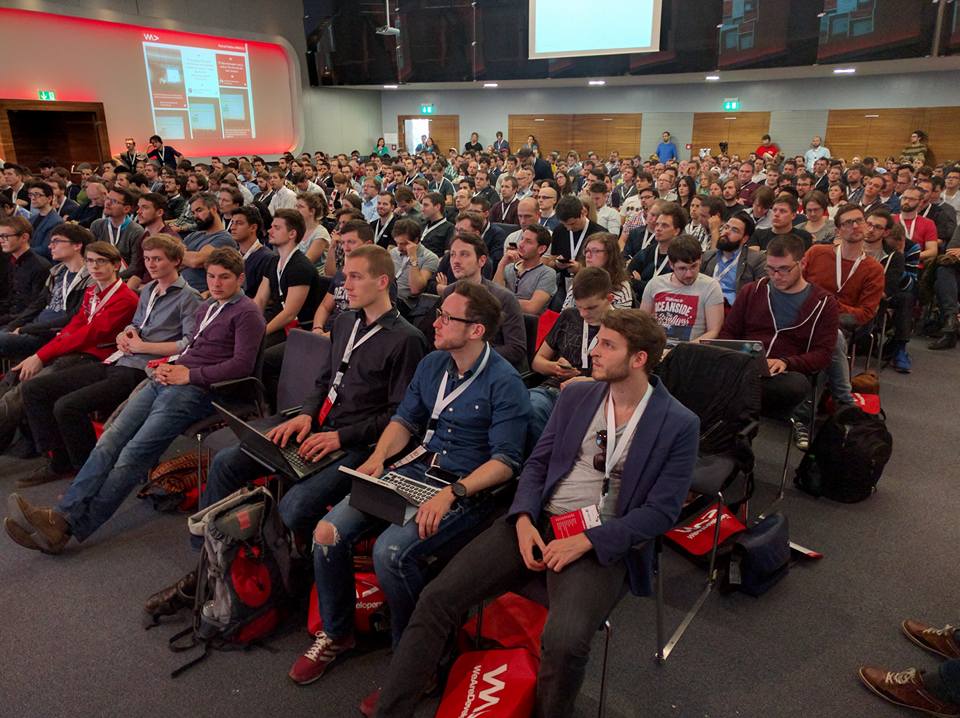
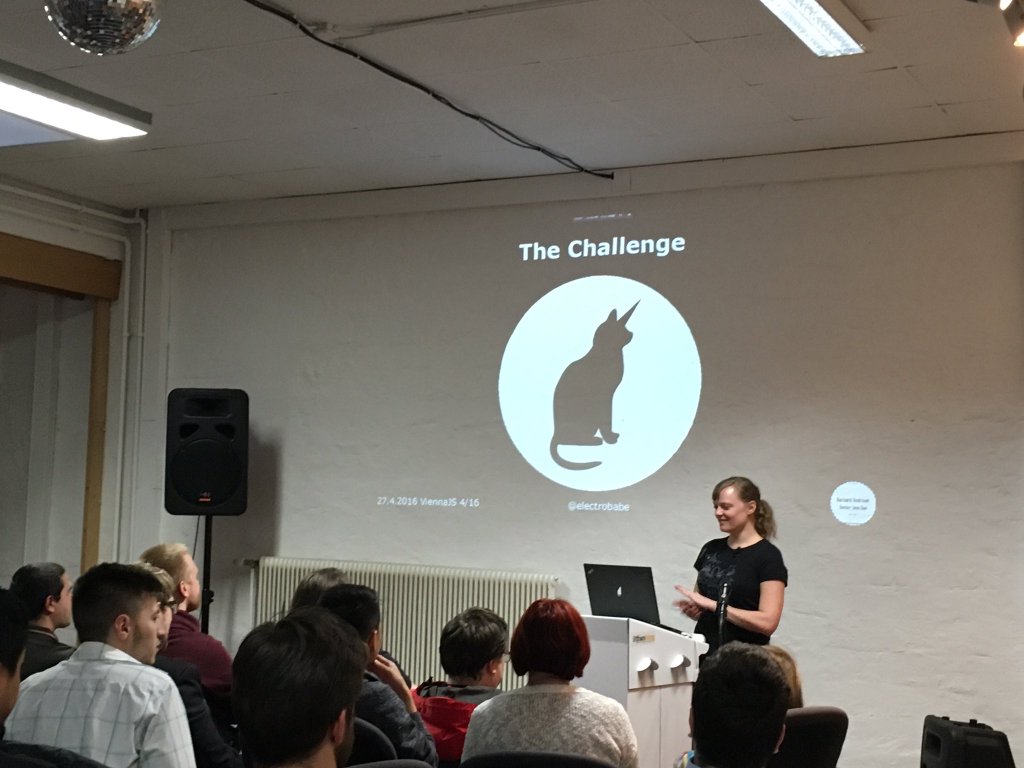
At the We Are Developers conference (13.4.2016), at the ViennaJS Meetup (27.4.), and at the AngularJS Vienna Meetup (11.5.) I was presenting my talk “Simple Mobile Development With Ionic”.
I presented Ionic as a hybrid mobile development framework (with a hands on experience @ AngularJS Vienna) and show-casing the app development of LIKE A HIPSTER.
Abstract of the Talk
Ionic is the beautiful, open source front-end SDK for developing hybrid mobile apps with web technologies. By building only one single AngularJS web app with Cordova extensions you can deliver up to 8 different native mobile apps. With this talk I will give you an overview about the features of this framework.
Create mobile apps with the web technologies you love.
Free and open source, Ionic offers a library of mobile-optimized HTML, CSS and JS CSS components, gestures, and tools for building highly interactive apps. Built with Sass and optimized for AngularJS.






![elastic_beanstalk_logo[1]](https://electrobabe.at/wp-content/uploads/2017/05/elastic_beanstalk_logo1.png)




 electrobabe.at
